Live2D ATL for Ren'Py
A downloadable module
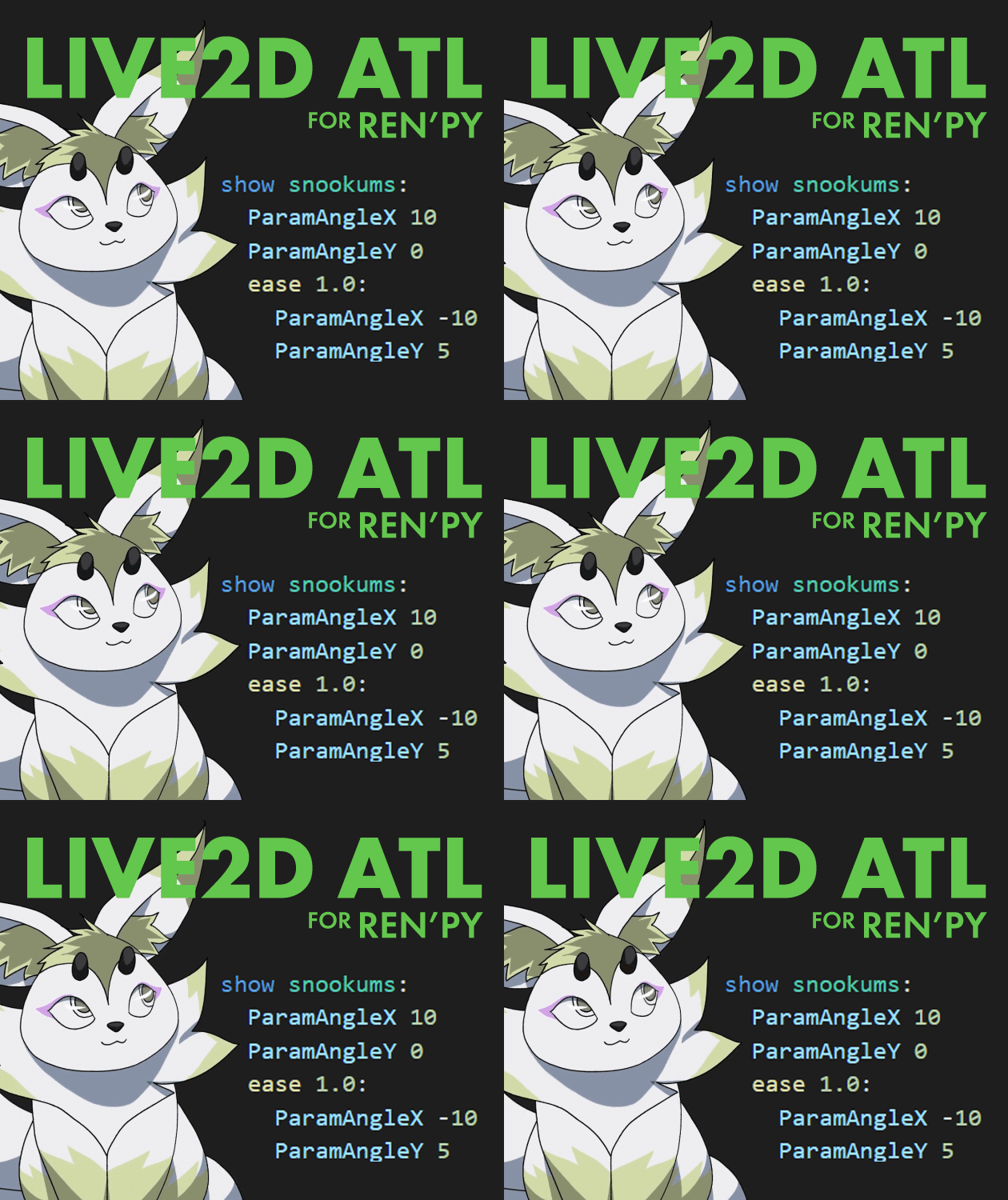
Easily animate Live2D Model parameters using ATL in your Ren'Py projects!
Normally, if you want to animate a Live2D model in Ren'Py, you need to either create and export animations with the Live2D Editor, or write A LOT of custom code to manually blend parameters with the Live2D class's update_function.
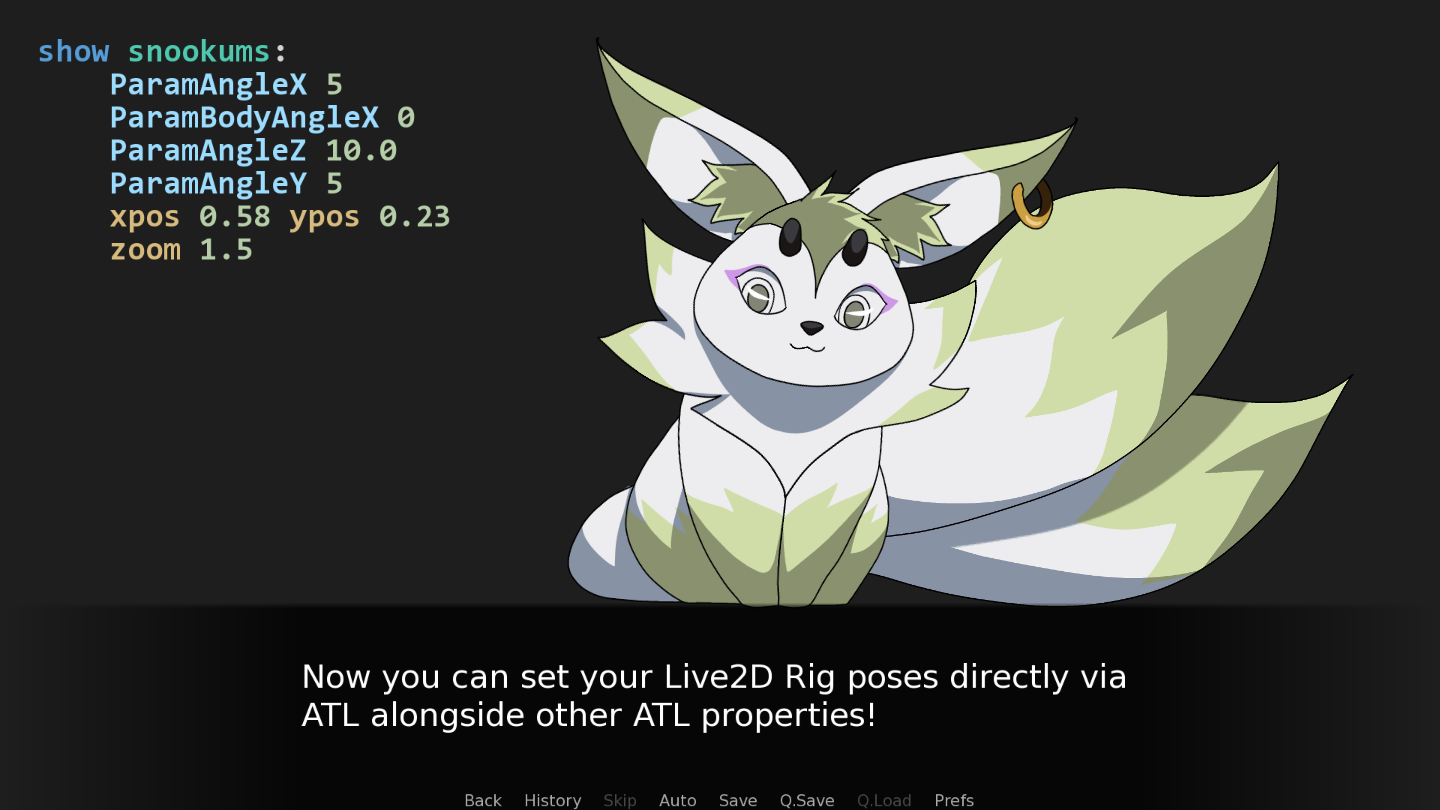
No longer, I say! Now you can leverage Ren'Py's standard Animation and Transform Language (ATL) to easily pose and animate your models right in your code!
Features
- Set and animate Live2D model parameters with ATL property and Interpolation statements
- Pre-Define poses and animations with standard transform statements
- For stylized looks, you can limit the frame rate of JUST the Live2D portions of animation, for stylized looks with the
live2d_fpsproperty - Overwrite, Multiply, or Add the value of each Live2D parameters with the
_Multand_Addsuffixes on the property names - Set motions with the
motionproperty, with more control using themotion_blend,motion_speed,motion_loop,motion_weight, andmotion_fpsproperties (and use warpers to blend between them all!) - Fully compatible with the ATL function property, and with the special live2d_function method, get access to an additional layer of animation for more control!
- BONUS SIDE EFFECT: The Live2D
update_functioncan now take a list of functions, and each will be executed in order (according to apriorityattribute set on the function)
Instructions
Installation
Download Live2DATL.zip and unzip it to your game/ folder!
IMPORTANT
This file needs to be loaded BEFORE any .rpy files that use this feature. To ensure this file loads first, it has been named 01_Live2DATL.rpy by default.
(Ren'Py loads files in the Unicode sort order of their path, so make sure your script files are named appropriately).
Usage
Set Parameters on a Model
show mao:
    ParamAngleX 10 ParamAngleY 5 ParamEyeBallX -1
Animate Parameters on a Model
show mao:
    ParamAngleX 10 ParamAngleY 5 ParamEyeBallX -1
    ease 2.0 ParamAngleX -10 ParamAngleY 2 ParamEyeBallX 1
More Examples...
Usage with a Transform Statement
transform headshake:
    ease 1.0 ParamAngleX 20 EyeBlink 1.0
    ease 2.0 ParamAngleX -20
    parallel:
        ease 1.0 ParamAngleX
    parallel:
        ease 2.0 EyeBlink 0.0
show mao at headshake:
    ParamAngleY 0.0
    ease_back 1.0 ParamAngleY 1.0
Usage with ATL function
init python:
    def looky(trans,st,at):
        pos = renpy.get_mouse_pos()
        r = (pos[0]/config.screen_width*2 - 1,pos[1]/config.screen_height*2 - 1)
        trans.ParamEyeBallX = r[0]
        trans.ParamEyeBallY = -r[1]
        trans.ParamAngleX = r[0]*15
        trans.ParamAngleY = -r[1]*5
show mao mtn_01:
    function looky
Usage with motion Property
show mao:
    motion ("mtn01","mtn02") motion_blend "add" motion_loop True motion_speed 1.0
When motion_loop is sent to True, Ren'Py will run through all of the motions listed, and then loop the final motion.
To loop the entire sequene of motion, use motion_loop "all".
Usage with live2d_target Property
show mao:
    motion ("mtn01","mtn02") motion_loop True

show mao as mao2:
    live2d_target "mao"
    live2d_target_weight 0.5
Set live2d_target to the tag name of another displayable on screen, and the Live2D Parameters will be cloned to the displayable with live2d_target set. Blend the amount with live2d_target_weight.
WARNING
This module uses ATL to animate Live2D models. This means it gets all the benefits AND pitfalls that come with ATL.
Remember, if a player advances to a new statement (by clicking or skipping), the ATL interpolation will cancel and NOT COMPLETE, potentially leaving your model in an awkward position. To avoid this, make sure that subsequent show statements calling ATL include the full pose you want the model to be in, and not to rely on prior statements.
Compatibility
Live2DActor requires Ren'Py 7.4+, config.gl2 set to `True`, and for the Live2D Runtime to be installed.
Notes
I've done a lot of testing, but nothing really puts a script through it's paces like a full release! If you encounter any errors or problems with the script, shoot me an email at studioinstrumentality@gmail.com or join the support Discord and let me know!
Purchase
In order to download this module you must purchase it at or above the minimum price of $7 USD. You will get access to the following files:
Development log
- Live2D ATL v1.1.0 Update!15 days ago
- Live2D ATL v1.0.8 Update!Mar 02, 2026
- Live2D ATL v1.0.7 Update!Oct 02, 2025
- Live2D ATL v1.0.6 Update!Sep 01, 2025
- Live2D ATL v1.0.4 Hotfix!Aug 17, 2025
- Live2D ATL v1.0.3 Update!Aug 14, 2025


Leave a comment
Log in with itch.io to leave a comment.